How to View Processes in Real Time with btop

How do we view and terminate processes on Linux as we would in Task Manager?
This is where btop comes in.
First, we need to download btop.
- On Debian, Ubuntu, and other Debian-based distributions:
sudo apt install btop
- On Fedora and other RPM-based distributions:
sudo dnf install btop
- On Arch Linux and other Arch-based distributions:
sudo pacman -S btopAfter downloading btop, all we need to type is “btop“.
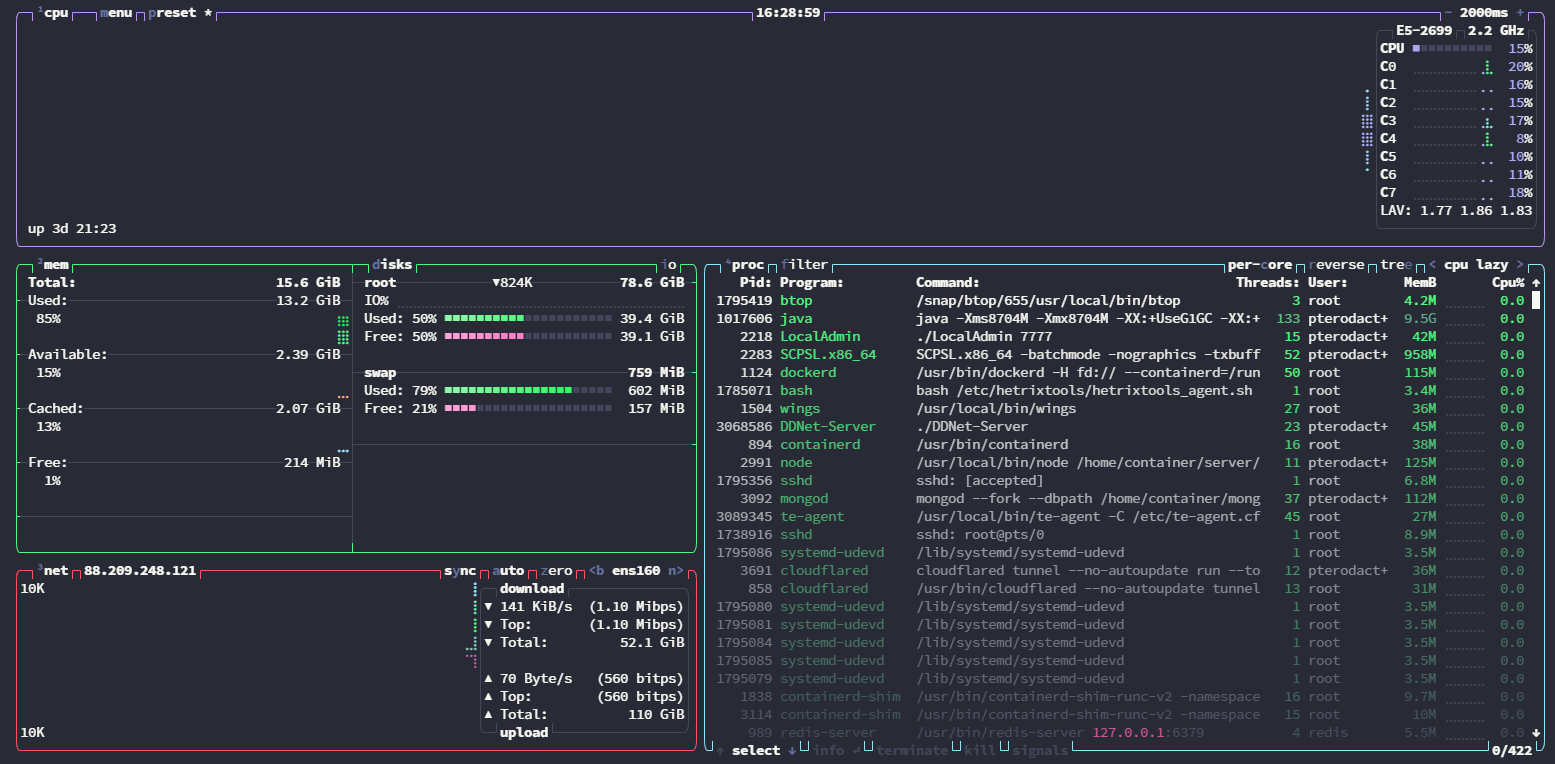
A screen like this appears. Reducing the refresh interval at the top right from 2000 ms to 100 ms makes the display update every 100 ms.