How to Connect Using Secure Shell (SSH)

Secure Shell (SSH) explained
SSH establishes a secure connection for remote access, using encryption and authentication to protect it.
How to Connect Using Secure Shell (SSH)
First, we need an SSH application.
The application we will use in this blog post is PuTTY.
putty.org is where you can download PuTTY.
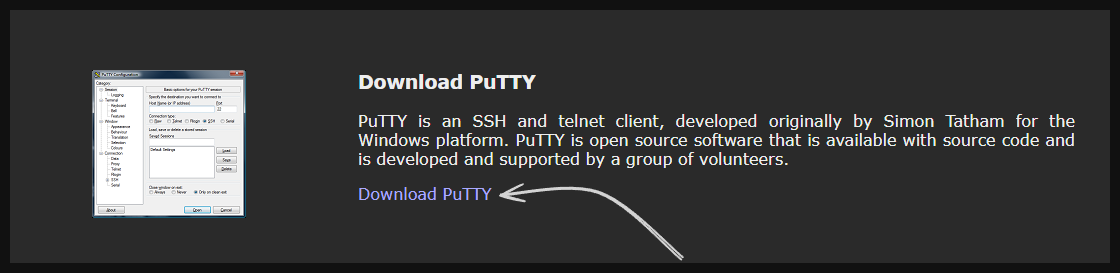
Click Download and choose the version suitable for your computer.
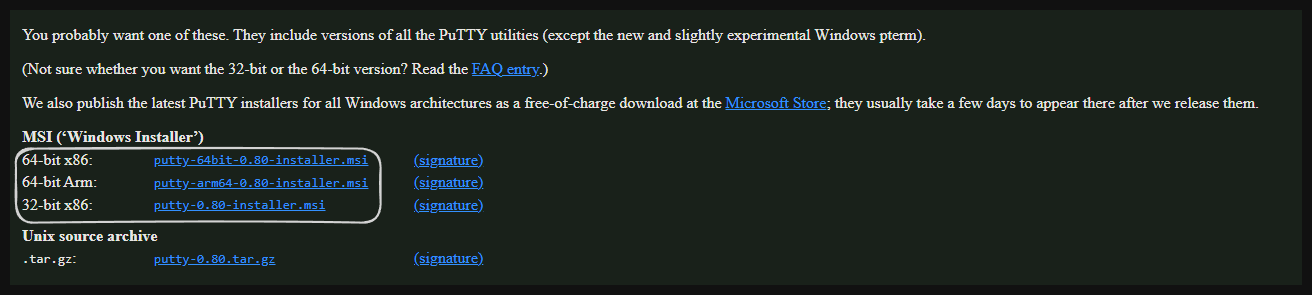
After installation, open PuTTY and log in to your client area.

Click “View Details.” The page will show your IP address, username, password, and other information. We need the IP address, username, and password.
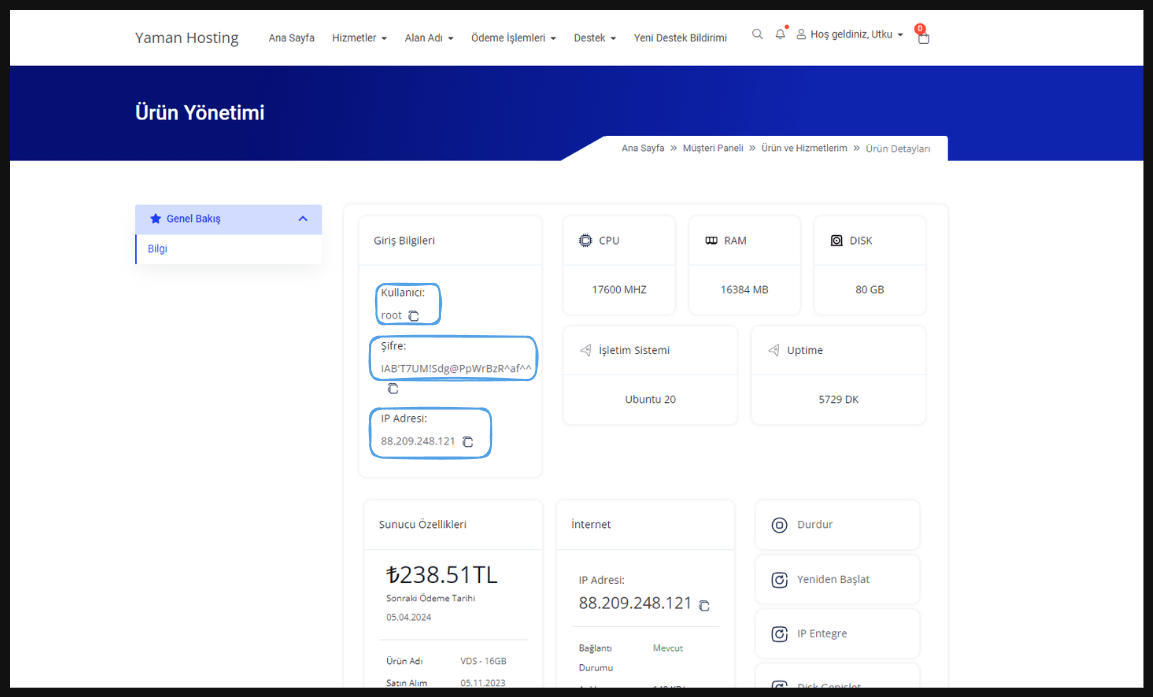
Once you have this information, open PuTTY and follow the steps shown.
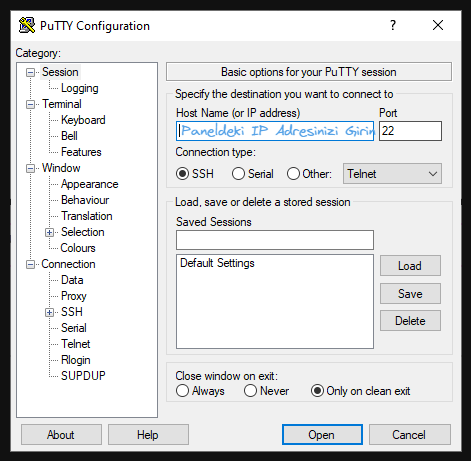
Enter the IP address from the panel and leave all other settings unchanged.
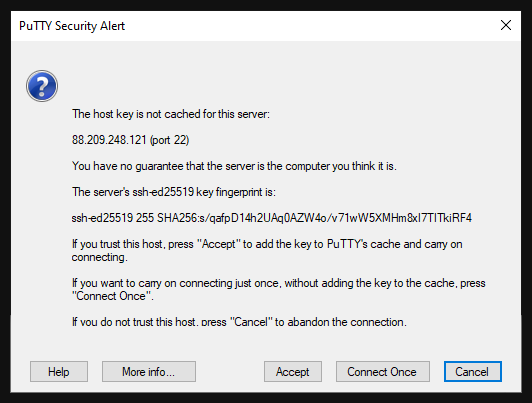
Click “Accept” in the warning to continue.
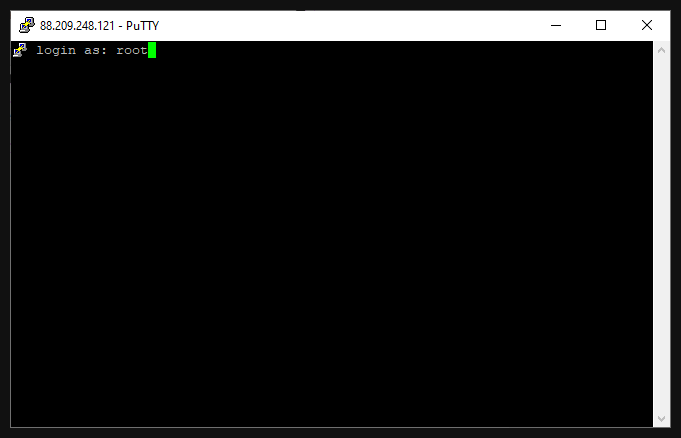
After entering your username, nothing will be displayed while you type the password. Enter your server password and press Enter. If you followed all the steps correctly, you have established a Secure Shell (SSH) connection to your server. You can now access it!